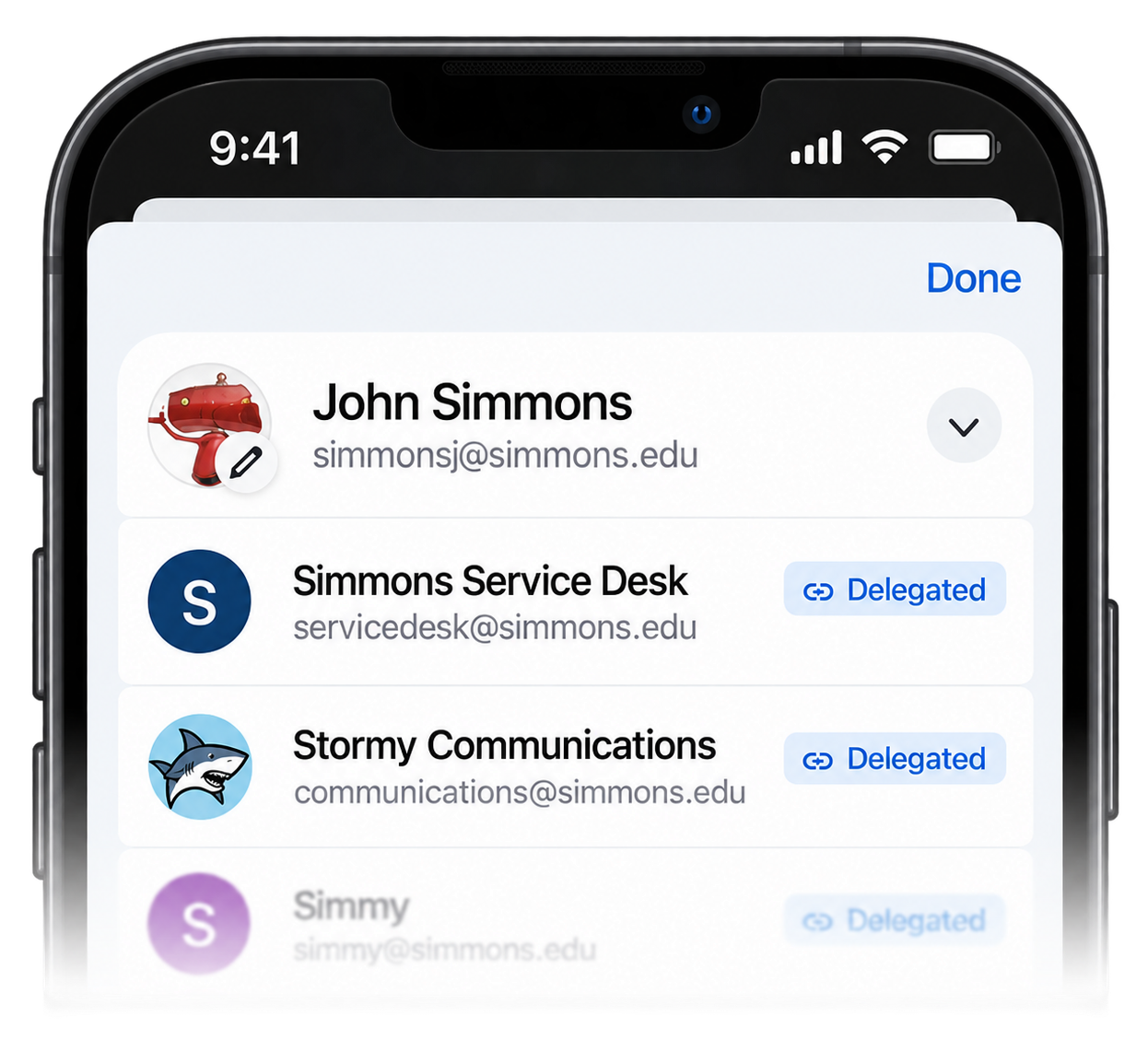
If you use a delegated Gmail account at Simmons, you can now access it directly from the Gmail mobile app on your phone or tablet.
Delegated accounts are commonly used for shared or departmental mailboxes, or when someone has been given permission to manage another person’s email. Until now, accessing these accounts generally required using Gmail in a web browser.
To open a delegated account in the Gmail app:
- Open the Gmail app.
- Tap your profile picture in the upper-right corner.
- Look for the account marked Delegated.
- Tap the account to open its inbox.
Once selected, you can read, manage, and send messages from the delegated account just as you would when using Gmail on your computer.
Don’t See Your Delegated Accounts?
Make sure you’re using the latest version of the Gmail app. If your app is already up to date but delegated accounts still don’t appear, removing and reinstalling the Gmail app may resolve the issue.